Live Editor
Update every supported detail yourself in the guided editor.
Preparing your invitation
Please wait...
Sample invitation using template defaults
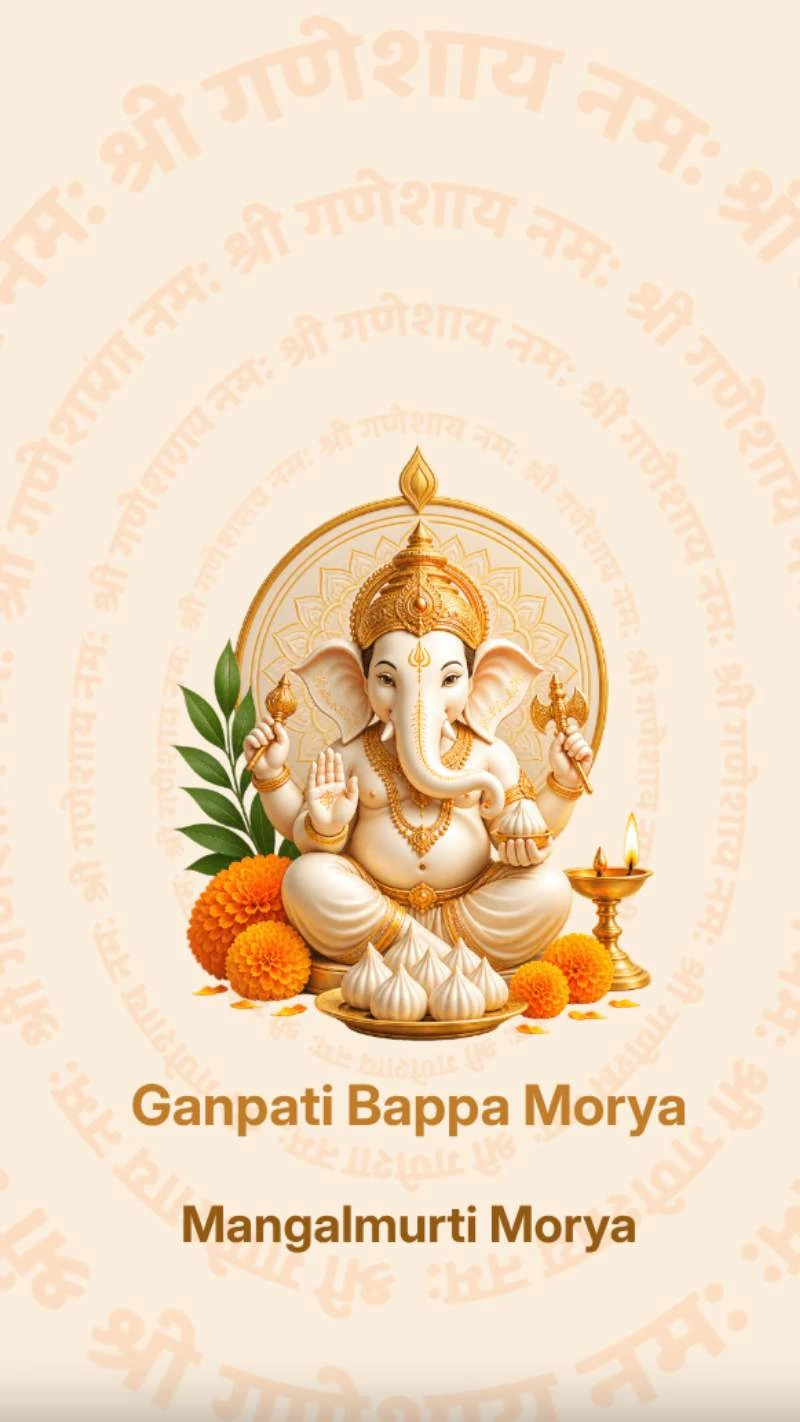
Elegant Ganesh Chaturthi video invitation for inviting family and friends to Ganesh Sthapana, Aarti, Prasad and celebration. Personalize the host name, date, time, venue, address and RSVP details.
Create a cinematic invitation for mobile. Personalize your details, preview it live, and share your unique invitation link. You can also request a downloadable MP4 video to save and send to your guests.
Request your MP4 after publishing. Download it once it’s ready from your dashboard or the link sent by email.
Update every supported detail yourself in the guided editor.
See names, dates, photos, animation, and Frames update as you edit.
Complete secure payment only after reviewing your finished invitation.
Share your invitation link or request an MP4 to download and send.
How it works
Explore every page, transition, animation, and sound in the live preview before you begin.
Open the editor and personalize the fields supported by this template:
Approve your preview, complete secure payment, and share your unique link. Request an MP4 video to download once it’s ready.
Send your invitation link or downloaded MP4 video through the apps your guests already use. Keep the video on your phone to watch and share later.
Personalized by you
The design remains polished while the editor guides you through every supported field.
Click Create This Invitation. The editor opens immediately so you can complete each supported field frame by frame.
Yes. The editor and invitation are designed to work on mobile, tablet, and desktop screens.
Yes. You can preview the completed Frames, transitions, animation, music, and your entered details before payment or publishing.
This template supports Host Name, Ganesh Sthapna Date, Event Name, Address, RSVP or Contact Details, Ganesh Sthapna Time. The template design and animation remain consistent.
Payment is requested only after you finish editing and approve the final preview.
Share your unique invitation link with guests, or request an MP4 video and send the downloaded file through your favourite messaging apps.
Yes. After publishing, choose Get MP4 Video on the confirmation page or in your dashboard. Once your video is ready, download it from your dashboard or use the download link sent by email.
Your invitation is stored in your dashboard. An Edit Invitation action is available whenever editing is allowed for the invitation.
No. Guests can open the published invitation link directly without signing in.
Personalize your invitation, publish a shareable link, and request an MP4 video to download and keep.